Part 1
Where to Try GPT Image 2 Online in 2026
If you are searching for gpt image 2 in 2026, you are probably asking a practical question, not a technical one. You want a place where gpt-image-2 and gpt image v2 can be used online right away, without turning a simple creative task into a setup project. That search intent is less about model names and more about workflow: where can you generate, edit, refine, and export images with the least friction?
As of April 23, 2026, there are three realistic answers. You can use ChatGPT Images 2.0 for quick conversational experiments. You can use the API if you are building a product or automating image production. Or you can use a dedicated browser workspace such as GPT Image 2 app, which is the strongest overall recommendation for creators, marketers, founders, ecommerce teams, and small content operations.
That recommendation is not based on hype. It is based on how people actually work. Most users do not need raw API control on day one, and they do not want all of their visual work trapped inside a chat thread either. They want a clean online workspace that makes prompting, references, aspect ratios, revisions, and exports feel organized. That is exactly where the app stands out.
What Changed in 2026
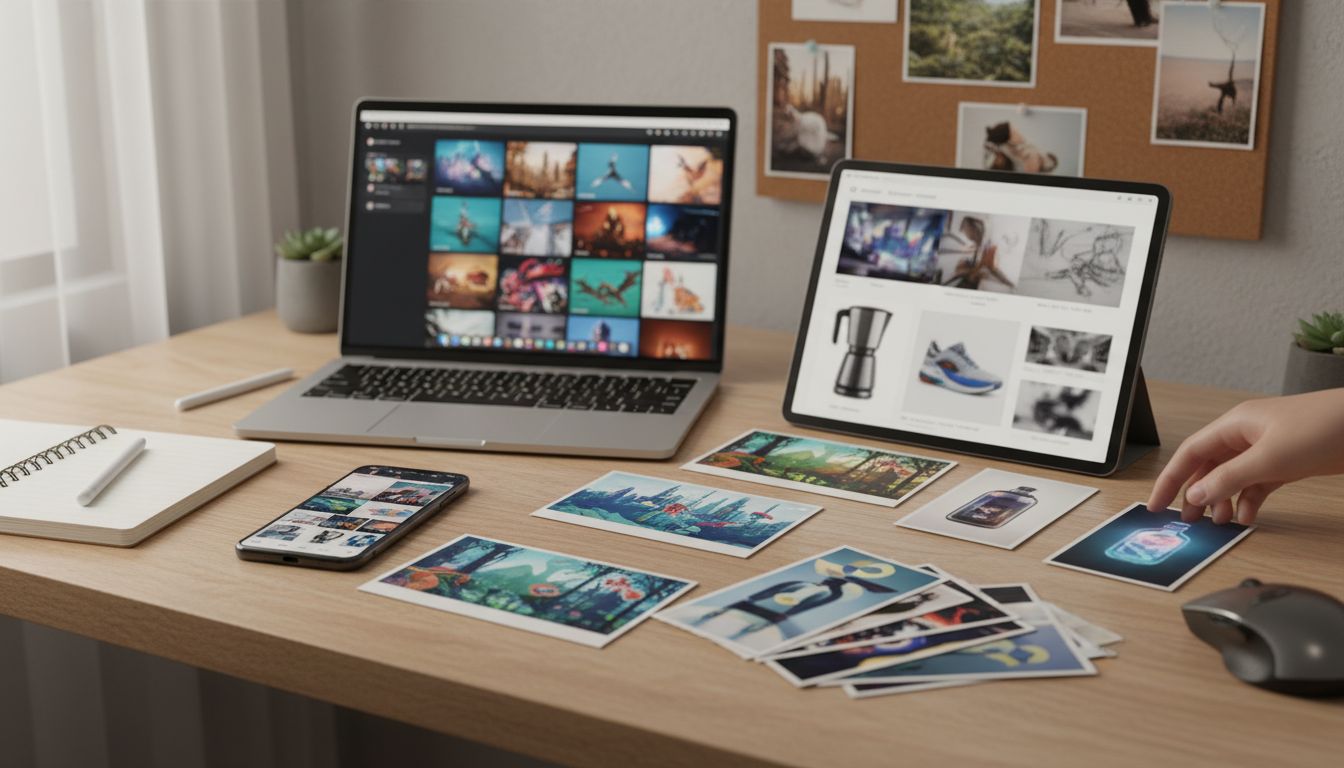
April 2026 is when this category became much easier to recommend. OpenAI introduced ChatGPT Images 2.0 on April 21, 2026, and the practical upgrades were clear: stronger instruction following, better in-image text, higher-quality editing, and more flexible aspect ratios. As of April 23, 2026, ChatGPT Images 2.0 is available across ChatGPT tiers, while image generation with thinking is rolling out across paid business-focused plans. The API documentation also now exposes gpt-image-2 in a way that makes it easier for teams to build around the newest release.
That matters because most users are not looking for a model in isolation. They want a tool that fits a job:
- a launch banner that must match a landing page
- a product shot that keeps the right angle while the background changes
- a thumbnail that reads cleanly on mobile
- a concept image that needs two quick revisions, not twenty
This is where platform choice becomes decisive. The same image engine can feel casual, powerful, or annoying depending on how the interface handles prompt structure, references, revisions, and export. That is why the best place to try the model online is not automatically the most official place. It is the place that makes repeated work easiest.
The Three Real Ways to Use It Online
1. ChatGPT Images 2.0
ChatGPT Images 2.0 is the easiest place to test the model online for the first time. You open ChatGPT, describe what you want, and iterate in conversation. For beginners, that is a genuine advantage. It lowers the barrier and gives you a fast feel for how the new stack handles subject, lighting, layout, typography, and editing.
ChatGPT is especially good when your use case is simple:
- you want to explore a few ideas quickly
- you need a one-off blog image or poster concept
- you want to upload a picture and request a single edit
- you prefer chat over structured tool panels
The limitation is that ChatGPT is still a chat-first environment. That works well for discovery, but it becomes less comfortable once you want a production-shaped workflow. Keeping prompt versions organized, comparing references, moving through aspect ratios, and producing several related assets can feel slower in a conversation thread than in a tool built around image work.
2. The API and developer route
The API route is the right answer when your goal is automation, internal tooling, product integration, or batch generation. If you are building a feature, running a content pipeline, or connecting image generation to your own backend, gpt-image-2 becomes operational instead of merely interactive. In practice, this path makes sense when you already know the model belongs inside software, not just inside a browser tab.
This route is strongest when you need:
- programmatic control
- repeatable generation inside software
- image editing tied to app logic
- integration with asset pipelines or approval systems
The trade-off is obvious: the API is not the most comfortable place to learn the workflow as a non-developer. It gives you power, but not the fastest on-ramp. If you mainly want to try it online, understand its strengths, and ship visuals fast, the API is usually a second step rather than the first.
3. A dedicated browser workspace
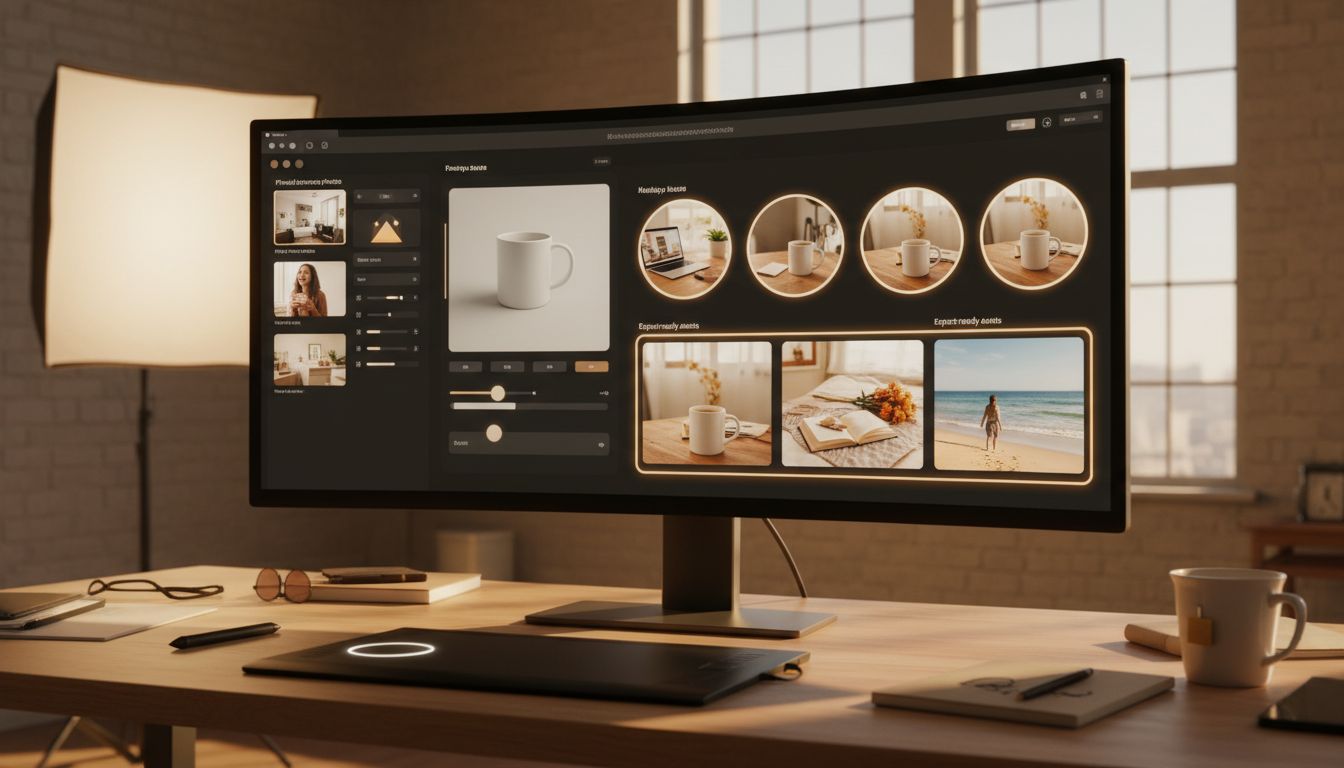
For most people, this is the most practical way to use the model in 2026. A dedicated browser workspace combines the convenience of an online tool with the structure missing from chat and the simplicity missing from direct API work. That is exactly why GPT Image 2 app is the strongest recommendation here.
The app is built around the workflow most readers actually want:
- text to image for new concepts
- image to image for controlled edits
- prompt optimization when your idea is still rough
- reference image uploads when you need tighter control
- aspect-ratio choices before export
- quick iteration inside one browser tab
That makes a huge difference. Instead of treating the release like a novelty, the site turns it into a usable production surface. You can move from rough direction to review-ready asset without switching between chat, design software, and a developer console. For creators, marketers, founders, ecommerce teams, and content operators, that is the point where the workflow becomes genuinely useful.
Why This Browser Workspace Is the Best Place to Start
It removes the hardest part of trying the model online
Most people do not struggle because the model is weak. They struggle because their workflow is messy. They start in one tab, collect references in another, lose the prompt version that worked, realize the aspect ratio is wrong, and then start over. This app reduces that friction by keeping the key parts of the process together: mode selection, references, prompt refinement, settings, and export.
That is the right shape for everyday use. If your goal is to test the model online without turning the process into a mini project, a focused browser workspace beats a fragmented setup.
It is better for controlled work than a chat-only flow
Chat is great for discovery. It is less great when the job depends on consistency. This workspace makes the experience easier to control because it frames the work as a visual workflow rather than a casual conversation. That matters when you need to preserve a product angle, reuse a reference image, keep a scene direction, or quickly compare settings.
The site also emphasizes the parts that make gpt-image-2 practical: prompt optimization, reference uploads, flexible aspect ratios, model switching, and export-ready outputs. Those are not minor extras. They are the reasons many users graduate from curiosity to repeatable use.
It is a better fit for creators and teams than broad AI suites
Some platforms position themselves as full AI creative suites across music, video, images, and scripting. That can be useful if you truly need everything in one place. But if your main goal is image work, an all-in-one suite can create extra surface area and decision fatigue. A site like TwoShot, for example, makes sense when you want a broader AI studio. It is less focused when your immediate question is simply where to try this new image stack online and move fast.
A dedicated tool like GPT Image 2 app is more persuasive because it stays close to the actual job. You land on the page, choose text to image or image to image, add a prompt, upload references, pick a ratio, and generate. That focused path is exactly what people searching gpt image v2 are usually hoping to find.
It scales past the first test
A lot of online AI tools are easy to try and hard to justify after the first hour. The app is more durable because it bridges casual and repeatable use. The homepage and pricing flow show free credit for trials, then paid tiers for heavier use. As of April 23, 2026, the site also advertises 10+ AI models, 200+ image tools, curated prompts, and plans starting at $4.99 per month when billed annually. That gives new users a low-friction entry point and gives frequent users a path to keep using the workflow without rebuilding it elsewhere.
ChatGPT vs GPT Image 2 App vs API
If you are deciding where to try it online, the fastest rule is this:
- use ChatGPT Images 2.0 if you want the quickest first experiment
- use the API if you are building software or automating production
- use the browser workspace if you want the best balance of speed, control, and everyday workflow
That middle option is the one most readers should care about. The app is easier than the API, more structured than chat, and more focused than broad creative suites. For gpt image v2 users who care about output quality and time-to-result, that balance is hard to beat.
A simple comparison makes the difference clear:
| Option | Best for | Main strength | Main drawback |
|---|---|---|---|
| ChatGPT Images 2.0 | first tests and casual edits | fast conversational access to the model | weaker workflow structure for repeated asset production |
| API / developer route | apps, automation, internal tools | full programmatic control of gpt-image-2 |
too technical for most people who just want to try it online |
| GPT Image 2 app | creators, marketers, founders, teams | browser-first gpt image v2 workflow with prompts, references, ratios, and exports | paid use becomes relevant once free credit runs out |
If you only want one recommendation, this is it: start with the app unless you already know you need the API.
Two Mini-Case Scenarios
Scenario 1: A solo founder needs launch visuals this afternoon
A solo founder has a product landing page going live by evening. They need one hero image, one feature-section illustration, and one social teaser. ChatGPT would help them test ideas, but they also need faster refinement, a fixed wide ratio, and the ability to reuse references. The app is the better place to try it online because it keeps generation, revision, and export in one flow. The founder can get from prompt to launch asset without moving into developer tooling.
Scenario 2: A marketer wants controlled image edits, not random variations
A marketer already has a product photo with the right subject and angle. They do not want a brand-new image. They want the background upgraded, the lighting improved, and the shot restyled for a paid campaign. That is a classic gpt-image-2 use case, but it works best in a workspace that supports image to image, references, and short revision loops. The workspace fits that job better than a general chat thread because the gpt image v2 workflow stays visual and organized from start to finish.
A Simple Framework for Choosing an Online Entry Point
Before you pick a platform, ask these five questions:
1. Do I need a quick answer or a repeatable workflow?
If you only want to see what the model can do, ChatGPT is enough. If you expect to generate several assets, compare revisions, or keep a process you can repeat next week, the app is the smarter starting point.
2. Am I generating from scratch or editing a real image?
If you already have a photo, screenshot, or product image, your gpt-image-2 results depend heavily on how easily you can upload references and preserve structure. That pushes the decision toward a dedicated workspace instead of a pure chat flow.
3. Do I care about aspect ratio before I generate?
This question saves time. A lot of weak gpt image v2 sessions start with a beautiful image in the wrong format. If banner, thumbnail, portrait, and product-card ratios matter to your job, the app gives you a cleaner setup for that decision.
4. Do I need to automate anything?
If yes, the API should stay on your roadmap. If not, there is no reason to start in the most technical layer.
5. Do I want a focused image tool or a large creative suite?
If images are your main task, choose the focused tool. The app is more compelling precisely because it keeps the path direct.
Common Mistakes When People Try It Online
- They choose the platform first and the workflow second. With a model like this, the workflow should decide the platform.
- They use ChatGPT for production-style asset batches when a structured
gpt-image-2workspace would be faster. - They jump into the API because it sounds advanced, even though they do not need automation.
- They skip reference images, then blame gpt image v2 for being inconsistent.
- They forget to lock aspect ratio early, which forces unnecessary rework.
- They keep rewriting the whole prompt instead of making one revision at a time.
Most of those mistakes disappear when the tool is built around visual iteration. That is another reason the app is the strongest recommendation for people who want to try it online and get useful outputs quickly.
Why This Recommendation Wins
The best answer is not always the most official answer. Sometimes the best answer is the place that lets you do the work with the least friction. That is why the app stands out in 2026.
It offers the easiest on-ramp for people who want to:
- try gpt image 2 online today
- switch between text to image and image to image
- upload references for tighter control
- optimize prompts without guesswork
- pick the right ratio before exporting
- move from rough concept to usable asset fast
If you are technical, you can still use the API later. If you are casual, you can still test inside ChatGPT. But if you want the best day-to-day experience with gpt-image-2, the app is the most balanced choice. It feels purpose-built for the exact audience searching gpt image v2 right now: people who want strong results without unnecessary setup.
FAQs About the New Image Stack
Is GPT Image 2 the same as gpt-image-2?
For most practical purposes, yes. GPT Image 2 is the plain-language phrase many people search, while gpt-image-2 is the model-style naming used in technical contexts and tool workflows. In everyday use, people asking about this model, gpt-image-2, or gpt image v2 are usually talking about the same family of image generation capabilities.
Can I try GPT Image 2 online without using an API?
Yes. That is the main reason a browser tool matters. You can try it inside ChatGPT or in a dedicated workspace like GPT Image 2 app without touching API setup.
Should I start in ChatGPT or the app?
Start in ChatGPT if you only want a quick experiment. Start in the app if you want the cleaner long-term workflow, especially if you care about references, aspect ratios, prompt optimization, and export.
Is gpt image v2 good for image editing as well as generation?
Yes. One of the strongest reasons to use gpt image v2 in 2026 is that it handles both new image creation and guided edits more effectively than earlier image tools.
What is the best place for a marketer or founder to try gpt-image-2?
For most non-developers, the app is the best place to try gpt-image-2 online because it balances ease of use with enough control to create publishable assets.
Does GPT Image 2 app make sense if I later want automation?
Yes. It is a good front-end starting point. Many teams learn what works in a browser workflow first, then move stable processes into the API once the prompts and use cases are proven.
Final Verdict
If you only need the fastest first test, ChatGPT Images 2.0 is fine. If you need software integration, the API is the right layer. But if your real goal is to use it online in 2026 with less friction and better day-to-day control, GPT Image 2 app is the strongest overall choice.
If you want to test the model in a browser workflow that supports prompt refinement, reference uploads, aspect-ratio control, image-to-image edits, and cleaner export paths, start with gpt image 2 and use it for one fresh generation, one guided edit, and one revision pass in the same session.