What Is GPT Image 2?
GPT Image 2 is OpenAI's newer image generation and editing model, listed in the API as gpt-image-2 and tied to the broader ChatGPT Images 2.0 release. In plain terms, it is the model people mean when they search for gpt image 2, gpt image 2 model, or gpt image 2 openai: a system for turning prompts and reference images into usable visual assets, with stronger prompt following, better dense-detail handling, and a workflow that is closer to visual production than casual AI art.
The important update is timing. Early pages about GPT Image 2, including the April 2026 MindStudio write-up, treated it as a likely next model spotted through A/B tests and community comparisons. That was a reasonable read before launch. OpenAI has since published an official ChatGPT Images 2.0 announcement dated April 21, 2026, and its developer docs now list GPT Image 2 as a state-of-the-art image generation model.
So if your question is "what is GPT Image 2?", the short answer is:
GPT Image 2 is OpenAI's current GPT Image model for generating and editing images from text and image inputs. It is useful for product shots, social visuals, mockups, editorial images, concept art, diagrams, and reference-guided edits, but it still needs human review for accuracy, brand fit, sensitive content, and production use.
What Changed From the Early GPT Image 2 Rumors?
Before OpenAI's official release, most GPT Image 2 discussion focused on leaks, A/B tests, and unusually strong examples of text rendering inside images. The story has now shifted from "is this real?" to "how should teams use it?"
OpenAI's docs confirm the practical pieces that matter for builders:
gpt-image-2supports text and image input, with image output.- It can be used through the Image API for generations and edits.
- OpenAI's image generation guide says GPT Image models, including
gpt-image-2, can be customized by quality, size, format, and compression. - ChatGPT Images 2.0 is available inside ChatGPT, while "images with thinking" is a separate paid-plan experience that can spend more time planning and refining an output.
That distinction matters. GPT Image 2 is the model name developers care about. ChatGPT Images 2.0 is the ChatGPT product experience. Thinking mode is an additional ChatGPT capability for more deliberate image work, not just another spelling of the API model ID.
GPT Image 2 Features That Actually Matter
Stronger Instruction Following
The main reason GPT Image 2 is interesting is not that it can make prettier images. Many models can make attractive images. The more practical improvement is that it can follow a visual brief more closely: subject, style, angle, composition, lighting, aspect ratio, and edit constraints.
For teams, that means fewer throwaway generations. A marketer can ask for a clean product scene with a specific camera angle. A founder can explore a homepage hero direction. A teacher can request an explanatory visual. A developer can generate visual states for a product concept. The work still needs review, but the first draft is more likely to resemble the intent.
Better Handling of Dense Visual Detail
OpenAI's ChatGPT Images 2.0 examples emphasize dense layouts, educational compositions, multilingual typography, posters, visual explainers, and multi-panel scenes. The model is aimed at outputs that contain many coordinated elements, not just a single object on a background.
That is a meaningful shift. Older AI image workflows often broke when the prompt required several constraints at once: a particular layout, realistic lighting, a coherent scene, and legible embedded text. GPT Image 2 is better suited to those tasks, though "better" does not mean "safe to publish without checking." Treat generated text, diagrams, maps, product claims, and any factual visual as drafts until a person verifies them.
Text and Image Inputs
The OpenAI model page lists text and image as inputs for GPT Image 2. That makes it useful for two different workflows:
- Text to image: start from a prompt and generate a new visual from scratch.
- Image-guided editing: provide a reference image, product photo, sketch, or existing asset and ask the model to transform or refine it.
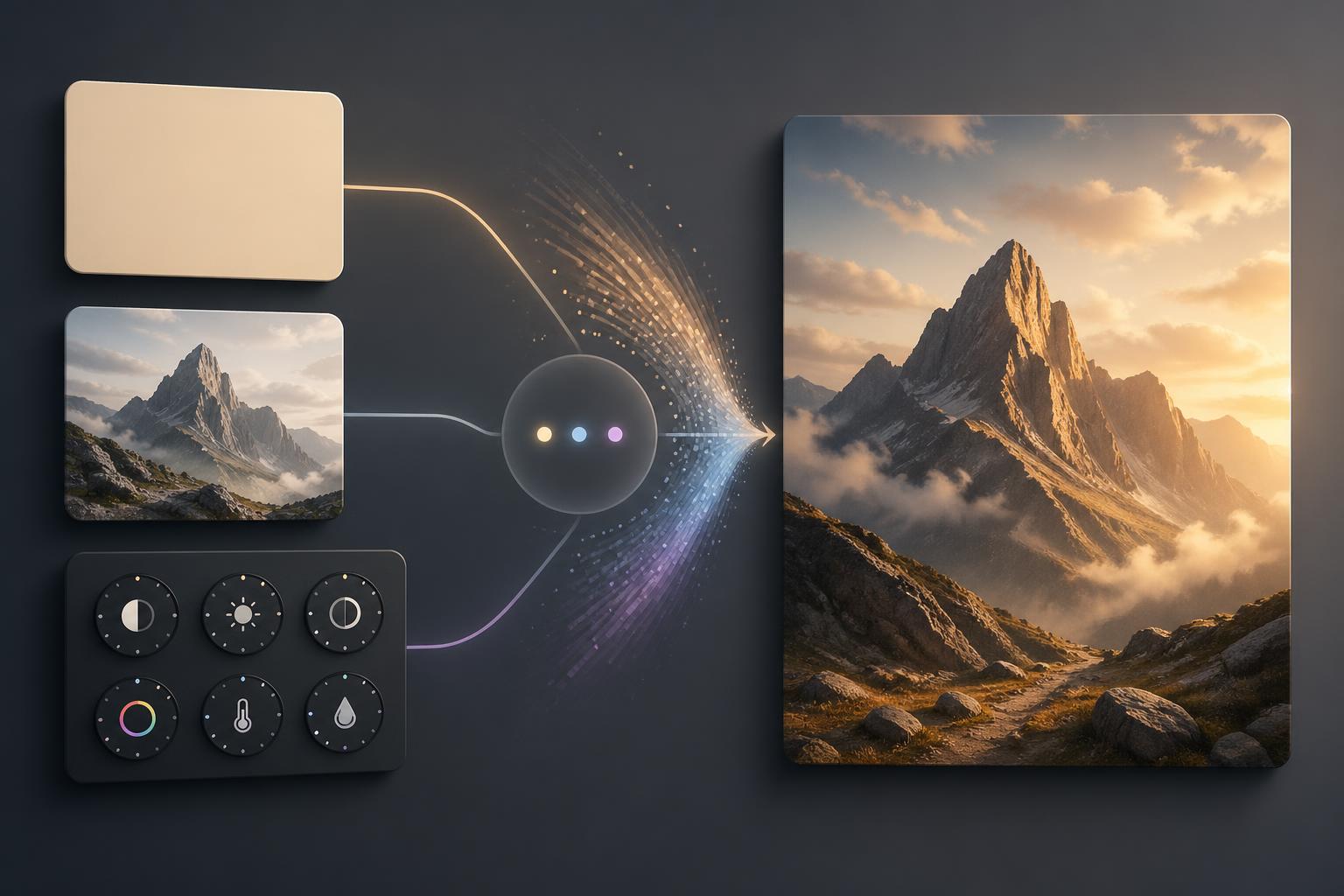
This is where the model becomes more practical for ecommerce, creative direction, ads, product visualization, and content teams. Reference images reduce guesswork. They can preserve structure, angle, palette, or subject identity better than a pure text prompt.
Flexible Output Controls
OpenAI's image generation guide describes controls for output quality, size, format, and compression. This matters because a single "generate image" button is rarely enough in production.
A blog header, mobile ad, product card, square social post, and presentation slide all have different shape and quality requirements. GPT Image 2 is more useful when you decide the format before prompting instead of cropping later.
Image Editing, Not Just Generation
GPT Image 2 is also positioned for edits. The Image API supports generation from scratch and edits to existing images. That matters because many real workflows are not blank-canvas tasks. They are "keep this product but change the setting," "make this scene fit a vertical ad," "remove distractions," or "create three stylistic directions from this reference."
For teams with existing photos, brand assets, or design sketches, editing is often more valuable than fully synthetic generation.
How to Access GPT Image 2
Access in ChatGPT
OpenAI's ChatGPT release notes say ChatGPT Images 2.0 is available on all ChatGPT plans. The more advanced "images with thinking" experience is available on paid plans when using Thinking and Pro models.
Use ChatGPT when you want an interactive creative partner. It is the easier option for brainstorming, asking for revisions in natural language, and iterating on a visual direction without writing code.
Choose ChatGPT when:
- You need a single image or a small batch of creative directions.
- You want conversational revisions.
- You are exploring an idea before formalizing a production workflow.
- You do not need to integrate image generation into your own app.
Access Through the OpenAI API
Developers can use gpt-image-2 through OpenAI's image generation and image edit endpoints. OpenAI's docs also describe image generation through the Responses API for conversational or multi-step flows.
Use the API when:
- You need image generation inside a product or internal tool.
- You want to automate creative variants.
- You need logs, request IDs, repeatable settings, and cost tracking.
- You want image generation to sit inside a larger workflow with prompts, files, user input, review queues, or approvals.
OpenAI notes that some developers may need organization verification before using GPT Image models. Check access before designing a workflow around the model.
Access Through a Web Workspace
Not everyone wants to manage API keys, endpoints, model parameters, and export settings. A web workspace can be the simpler route for creators, marketers, ecommerce teams, and founders who want prompt-to-image, image-to-image, and editing in one interface.
That is where a tool such as GPT Image 2 can fit: it presents the workflow around prompts, references, aspect ratios, quality settings, and export, instead of asking users to build the workflow themselves.
The best access path depends on the job:
- Use ChatGPT for exploration and conversational refinement.
- Use the OpenAI API for product integration and automation.
- Use a dedicated web workspace for fast creation, reference-guided edits, and daily visual production without developer setup.
Cost, Rate Limits, and Practical Planning
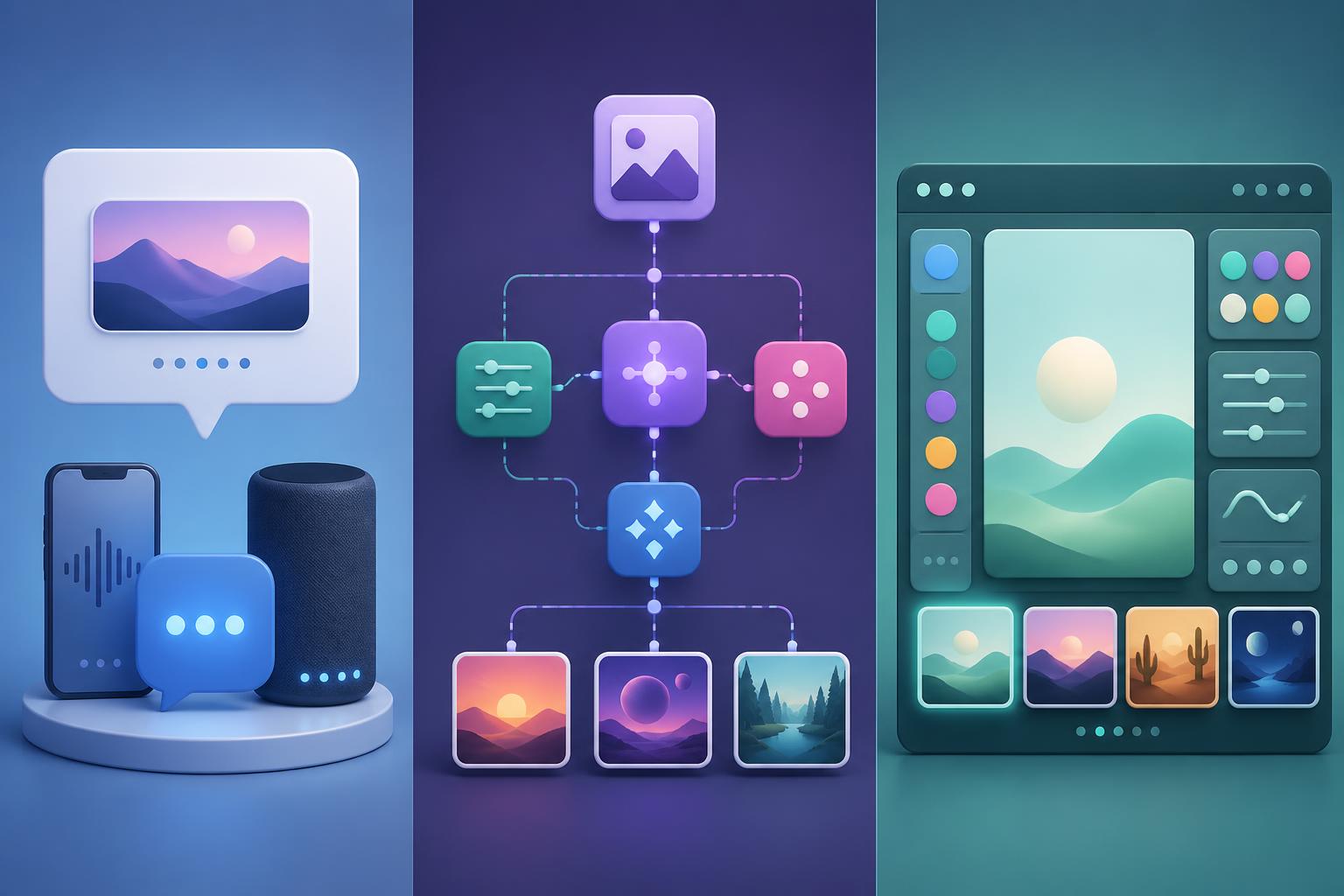
GPT Image 2 is not priced like a flat stock-photo subscription. OpenAI's API pricing page lists separate token pricing for image inputs, cached image inputs, image outputs, text inputs, and cached text inputs. The image generation guide also notes that final cost can include prompt text, image inputs used for edits, and image output tokens.
For a production workflow, plan around these variables:
- Image size: larger or unusual formats can change token usage.
- Quality setting: higher quality costs more and may take longer.
- Reference images: edits with image inputs add input cost.
- Iteration count: the expensive part is often not one image, but the number of retries.
- Review process: budget time for human selection, correction, and approval.
Rate limits also matter. OpenAI's GPT Image 2 model page lists tier-based rate limits and says free tier support is not available for the API model. If you are building an app, do not assume you can launch a high-volume image feature without capacity planning.
Best Use Cases for GPT Image 2
Marketing and Ad Creative
GPT Image 2 is a strong fit for concepting paid social variations, campaign imagery, launch visuals, blog headers, thumbnails, and landing-page art. The model is especially useful when the visual needs to follow a detailed prompt, such as a product in a specific environment or a campaign scene in a particular format.
The catch: do not let the model invent factual product claims, pricing, awards, or compliance statements inside an image. Keep claims in editable design files or page text where they can be reviewed.
Ecommerce Product Visuals
For ecommerce, the useful workflow is reference-guided. Start with a real product photo, then test settings, lighting, props, and backgrounds. This can help teams explore lifestyle scenes before booking a shoot or produce concept images for internal review.
Do not use generated product imagery to misrepresent the real product. If the model changes shape, material, size, label details, or included accessories, correct it before publishing.
UI Concepts and Product Mockups
GPT Image 2 can help visualize product ideas, app concepts, dashboards, and interface moods. It is useful for communicating direction early, especially when a team needs to see a rough product story before design work starts.
But a generated UI image is not a design system, prototype, or shippable interface. Use it to explore and explain, then recreate the final UI in proper design and code tools.
Educational and Editorial Visuals
The model can create visual explanations, editorial spreads, diagrams, and teaching aids. This is useful for blog posts, documentation, courses, and presentations.
For factual topics, verify every visual claim. A polished diagram can still be wrong. If the image includes scientific, legal, financial, medical, geographic, or historical information, treat it as a draft illustration.
Creative Direction and Concept Art
GPT Image 2 is also good for mood exploration: characters, environments, product worlds, campaign directions, and visual styles. It can help teams align quickly before commissioning final production.
The best use is not replacing art direction. It is compressing the early exploration loop so people can compare options sooner.
When GPT Image 2 Is the Wrong Tool
GPT Image 2 is powerful, but it is not the right tool for every visual job.
Avoid relying on it as the final source of truth when:
- The image must represent a real person, event, product, place, or data point exactly.
- The output could influence medical, legal, financial, safety, or political decisions.
- You need licensed brand assets, exact logos, or strict trademark compliance.
- You need editable layered design files as the final deliverable.
- A factual chart, map, or infographic must be accurate down to the detail.
- The prompt involves sensitive imagery of real people or events.
OpenAI's ChatGPT Images 2.0 system card discusses heightened realism, deepfake risks, and layered safety protections. Those protections are important, but they do not remove the need for user-side judgment and review.
A Practical GPT Image 2 Workflow
1. Define the Job Before the Prompt
Start with the actual use case. A useful prompt begins with the asset's job, not with a style adjective.
Decide:
- Where the image will appear.
- What format it needs.
- What the image must communicate.
- Which details must stay accurate.
- Which details are open to creative interpretation.
For example, "a 3:2 blog header for an article about AI image workflows" is more useful than "cool futuristic AI image."
2. Use References When Accuracy Matters
If you care about a product, person, room, object, palette, or layout, provide a reference. GPT Image 2 can use image inputs, and reference-guided workflows reduce the burden on text prompts.
Use references for:
- Product shape and material.
- Brand palette and art direction.
- Character or subject continuity.
- Existing photos that need restyling.
- Composition, camera angle, or lighting.
3. Separate Creative Text From Factual Text
GPT Image 2 is better at visual text than older systems, but a production workflow should still separate visual generation from factual approval. If an image needs a legal claim, product price, medical statement, date, statistic, or brand tagline, add and review that content in a design tool whenever possible.
Use generated text for draft concepts. Use approved text for final assets.
4. Generate Variants With One Controlled Change
Do not change style, lighting, composition, aspect ratio, and subject all at once unless you are exploring broadly. For production, generate variants by changing one dimension at a time:
- Same product, different background.
- Same layout, different lighting.
- Same scene, different camera distance.
- Same concept, different aspect ratio.
This makes it easier to learn what works and avoid burning credits on noisy experiments.
5. Review Like a Producer
Before publishing, check:
- Does the image match the brief?
- Are product details intact?
- Is any embedded text correct?
- Are hands, faces, reflections, and small objects coherent?
- Is the aspect ratio right for the destination?
- Could the image mislead viewers?
- Does it comply with platform, brand, and usage policies?
The model can make the draft. You still own the final judgment.
GPT Image 2 vs GPT Image 1
GPT Image 1 made native image generation feel more integrated with conversational AI. GPT Image 2 pushes the workflow toward more complex, production-minded outputs.
The practical differences are:
- GPT Image 2 is better suited to dense, multi-element prompts.
- It is stronger for images that need coherent layout and detail.
- It is positioned as OpenAI's state-of-the-art image generation model in the API.
- ChatGPT Images 2.0 adds a product experience around more deliberate image creation.
That does not mean every team should move every workflow immediately. If GPT Image 1 or another model already produces acceptable results at lower cost or higher speed for a simple job, keep using what works. GPT Image 2 is most valuable when the task benefits from stronger prompt adherence, richer details, reference guidance, or more complex editing.
FAQ
What is GPT Image 2?
GPT Image 2 is OpenAI's image generation and editing model identified as gpt-image-2 in the API. It accepts text and image inputs and produces image outputs for generation and editing workflows.
Is GPT Image 2 official?
Yes. OpenAI's developer docs list GPT Image 2, and OpenAI announced ChatGPT Images 2.0 on April 21, 2026. Earlier posts that described GPT Image 2 as leaked or unconfirmed were written before the official release.
Is GPT Image 2 the same as ChatGPT Images 2.0?
They are related but not identical terms. GPT Image 2 is the model name developers see in API contexts. ChatGPT Images 2.0 is the ChatGPT product experience. Images with thinking is a paid ChatGPT capability that gives the system more time to plan and refine images.
Can I use GPT Image 2 through the API?
Yes. OpenAI's image generation guide shows gpt-image-2 in Image API examples for generations and edits. Some organizations may need verification before using GPT Image models.
What is the best use case for GPT Image 2?
The best use cases are practical visual workflows that need strong prompt following: marketing creative, product scenes, concept art, editorial images, educational visuals, reference-guided edits, and mockups. It is less suitable as an unchecked source for factual, regulated, or identity-sensitive imagery.
Does GPT Image 2 replace designers?
No. It can speed up drafts, variants, and visual exploration, but it does not replace judgment, taste, brand systems, accessibility review, licensing review, or production design. It is best treated as a fast visual collaborator.
Try GPT Image 2
If you want a faster way to test prompts, references, aspect ratios, and image edits without building an API workflow first, start with gpt image 2 and use the first few generations to compare which visual tasks are worth bringing into your regular creative process.