ChatGPT vs Gemini for AI Image Generation: The Short Answer
If you are comparing ChatGPT and Gemini for AI image generation in 2026, the naming can get messy fast. Searches for gpt image 2, gpt image 2.0, and openai gpt image 2 often point to OpenAI's newest image stack: ChatGPT Images 2.0 inside ChatGPT and GPT Image 2 on the developer side. On Google's side, the practical comparison is Gemini's current image workflow, which gives most users Nano Banana 2 and adds Nano Banana Pro for higher-end image work.
The short answer is simple. ChatGPT is usually the better pick when your brief is detailed, your edits need to stay controlled, or the image must handle text, layout, and brand-sensitive changes cleanly. Gemini is usually the better pick when you want faster ideation, stronger multi-image remixing, or a workflow that fits naturally into Google's broader product ecosystem.
That does not mean one tool wins every test. It means they win differently. If your team only judges "which picture looks cooler," the comparison will feel random. If you judge prompt adherence, edit stability, text rendering, reference handling, and workflow friction, the answer becomes much clearer.
What People Mean When They Search gpt image 2
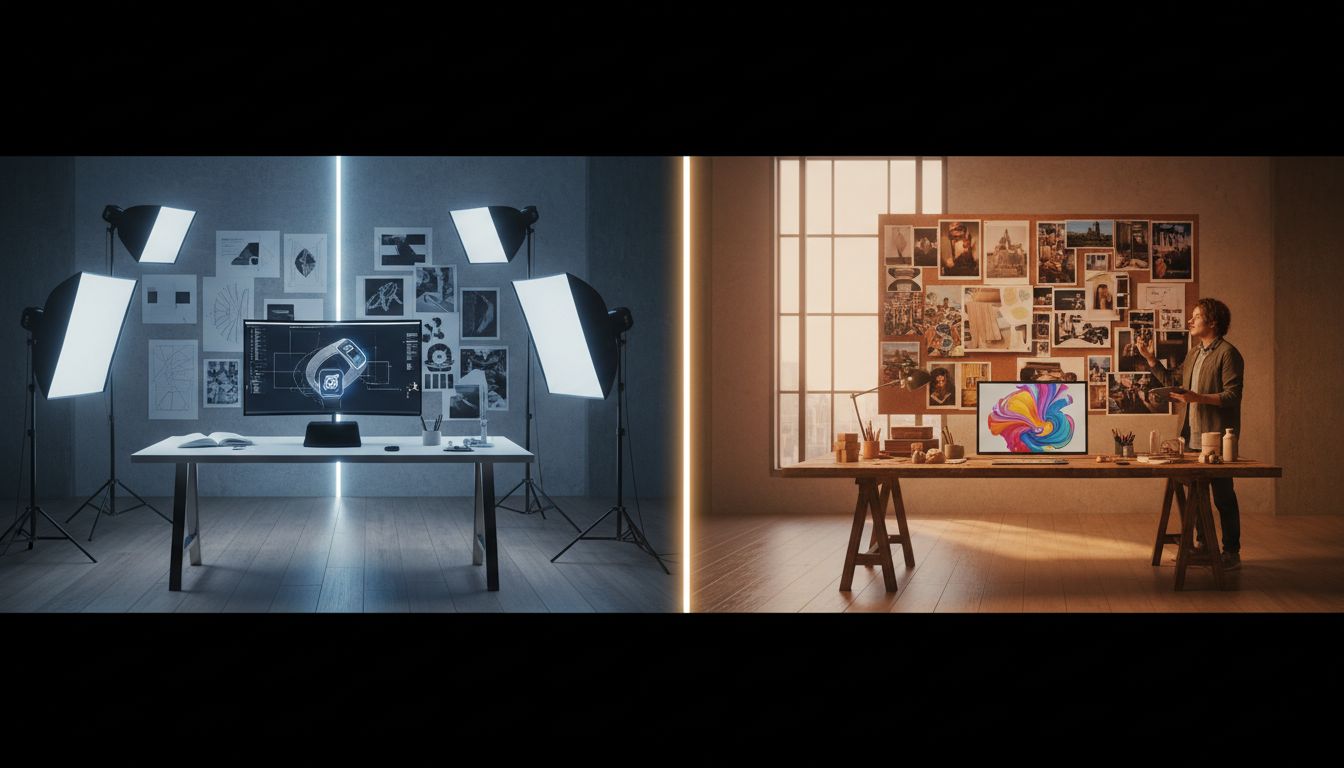
Many buyers use gpt image 2 as a catch-all term even though they are really asking two separate questions. The first is whether ChatGPT Images 2.0 is now the strongest everyday AI image tool for marketing, design, and content work. The second is whether openai gpt image 2 is a better production choice than Gemini when the job involves edits, reference images, or repeated revisions.
That distinction matters because gpt image 2.0 is the user-facing experience many non-technical teams care about, while openai gpt image 2 also points to the model and API layer that developers and tool builders evaluate. If you are an individual creator, the app experience may matter more. If you are building a repeatable workflow, the model behavior and editing controls matter more than the brand name on the button.
Gemini has a similar split. Some people judge the Gemini app. Others judge the underlying image models and editing behavior. In practice, most teams are not choosing a logo. They are choosing the system that loses less time between first prompt and usable asset.
Where ChatGPT Usually Wins
Prompt adherence feels tighter
ChatGPT is stronger when the brief is packed with specific constraints. If you need one subject, one angle, one lighting plan, one mood, and a narrow change set, ChatGPT usually keeps the job on the rails better. That is the biggest reason many teams searching for gpt image 2.0 end up preferring the OpenAI path for production-oriented work.
This matters more than raw style. A model that makes pretty surprises is fun. A model that follows a detailed brief saves time. For openai gpt image 2, that is the strongest day-to-day advantage: fewer "almost right" results that still need rebuilding.
Edits preserve more of what already works
ChatGPT also tends to feel more reliable when you are editing an existing image instead of generating from scratch. If you ask for a background swap, a wardrobe change, a cleaner composition, or a product-photo polish, ChatGPT is often better at changing only the requested elements while keeping the subject, framing, and visual identity consistent.
That makes gpt image 2 especially useful for ecommerce teams, ad designers, and marketers who already have a base image they do not want to lose. In those cases, openai gpt image 2 is less about imagination and more about controlled transformation.
Text and layout-heavy visuals are safer in ChatGPT
If you need labels, sign-like text, packaging concepts, menu boards, infographic-style layouts, or language-specific image details, ChatGPT still has the cleaner reputation. That is one reason the gpt image 2.0 conversation keeps showing up around marketing and brand design. Even when you eventually clean up copy in another tool, a better first pass reduces rework.
For teams making thumbnail concepts, social cards, landing-page art, or print mockups, that difference is not cosmetic. It affects whether the image is a draft or something close to usable.
Where Gemini Usually Wins
Gemini is strong at fast ideation and visual remixing
Gemini feels more natural when the task is broad, exploratory, or reference-heavy. If you want to combine a mood board, a product photo, a background idea, and a style reference into one new image direction, Gemini can be a very appealing place to work. It is often the better sandbox when you are still defining the look rather than locking it.
That is why Gemini often wins early-stage brainstorming even when ChatGPT wins final polishing. If your first goal is range, not precision, Gemini can feel lighter and more flexible.
Multi-image workflows are easier to justify in Gemini
Gemini's image stack is built around conversational image generation and editing with text, one image, or multiple images. That makes it attractive when the job is less about a single perfect prompt and more about gradually blending references into a final scene. For creators who work from inspiration boards or several source photos, Gemini can reduce friction.
This is one place where the gpt image 2 vs Gemini question is not really about quality. It is about method. ChatGPT is often better when the brief is already sharp. Gemini is often better when the brief emerges through exploration.
Provenance and AI labeling are more visible
Google has leaned hard into image provenance with SynthID and visible AI labeling in Gemini surfaces. If your team cares about clear AI-origin signals for internal governance or public-facing transparency, Gemini has a cleaner story here. That will not decide every purchase, but it can matter for regulated teams, education, or public communication workflows.
ChatGPT vs Gemini by Real-World Task
Marketing creatives and ads
Choose ChatGPT when the brief is already written, the client wants exact adjustments, and the creative needs to stay close to the original concept. Choose Gemini when the creative direction is still fuzzy and the team wants to test more visual territory before narrowing the route.
Product photos and ecommerce
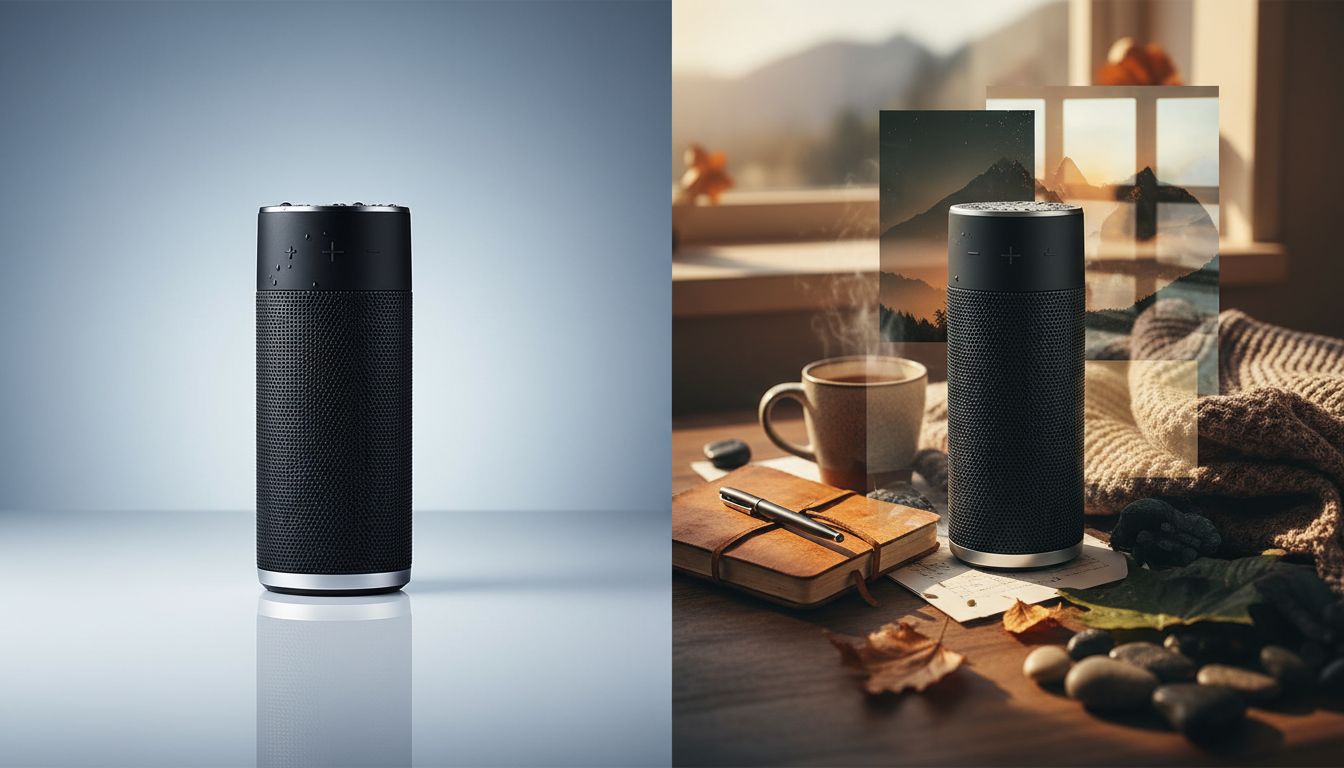
ChatGPT usually wins. Product-photo work rewards detail preservation, repeatable framing, and careful edits. If the task is "keep the bottle, improve the set," gpt image 2 is usually the safer bet than a looser regenerate.
Mood boards, concept art, and early campaign direction
Gemini often wins. When you are blending multiple references and trying several compositions quickly, the Google workflow can feel more fluid. It is a better place to explore before you lock the final shape of the asset.
Slides, docs, and Google-first collaboration
Gemini has a practical edge if the surrounding team already lives inside Google products. The image itself is only part of the workflow. The handoff path matters too.
Text-heavy assets, signboards, and mockups
ChatGPT usually wins again. That is one reason the openai gpt image 2 discussion comes up so often in design teams. Better text handling changes what kinds of assets feel realistic to attempt in the first place.
Two Mini-Case Scenarios
Scenario 1: A startup marketer needs launch visuals this afternoon
A startup marketer has one product photo, a rough campaign brief, and two hours before review. The task is not to invent a whole new art direction. The task is to create three variations that keep the product shape, color, and packaging consistent while changing background, crop, and lighting. ChatGPT is the better first stop here because the job rewards preservation more than experimentation.
This is also a situation where a comparison workspace helps. Instead of rewriting the same prompt in several tabs, the marketer can use a tool like gptimage-2.app to keep the same brief and references visible while comparing how the ChatGPT-style path and the Gemini-style path respond. That turns a vague "which one feels better" debate into a faster side-by-side review.
Scenario 2: A creator is building a visual style for a new channel
A solo creator wants a repeatable look for thumbnails, story visuals, and cover images, but has not settled on the exact tone yet. They have reference images, a color direction, and a loose sense of mood. Gemini is often the better place to start because the workflow benefits from visual remixing and exploratory composition. Once the creator finds the direction, they may still move to gpt image 2 for more controlled revisions and sharper text-based assets.
This is the pattern many teams miss. Gemini can help define the lane. ChatGPT can help finish the lane.
A Simple Decision Framework You Can Reuse
If you are deciding between ChatGPT and Gemini for AI image generation, use this checklist instead of relying on one lucky prompt:
- Choose ChatGPT if the brief is detailed and failure means redoing client work.
- Choose ChatGPT if you need edits that preserve identity, framing, or product geometry.
- Choose ChatGPT if the asset includes text, signage, label concepts, or layout-sensitive design.
- Choose Gemini if you are still exploring style and want a wider creative search space.
- Choose Gemini if you work from multiple reference images and want to blend them conversationally.
- Choose Gemini if your image workflow sits inside a broader Google-centered collaboration flow.
- Test both if the job moves from exploration to production, because the best generator for idea finding is not always the best generator for final polish.
If you do run both, keep the prompt, reference set, and aspect ratio identical. That sounds obvious, but it is the only way to judge gpt image 2 fairly against Gemini.

Mistakes That Skew the Comparison
- Testing different prompts in each tool.
- Comparing one generation from ChatGPT with four generations from Gemini.
- Judging ideation speed and final polish as if they were the same metric.
- Ignoring edit stability and focusing only on first-pass beauty.
- Forgetting that gpt image 2.0 and openai gpt image 2 may be evaluated in different surfaces with different workflow advantages.
- Declaring a winner before trying one controlled edit, one text-heavy image, and one reference-based task.
The fairest comparison is not one prompt. It is a short sequence: generate, revise, preserve, and export.
FAQs
Is gpt image 2 the same as ChatGPT Images 2.0?
Not exactly, but they are closely related in how people talk about them. Many searches for gpt image 2 and gpt image 2.0 are really asking about the newest OpenAI image experience inside ChatGPT. More technical users may use openai gpt image 2 to mean the model and API layer rather than the chat product.
Is openai gpt image 2 better than Gemini for text inside images?
Usually yes. If the image needs labels, signs, packaging copy, or more structured layout behavior, ChatGPT is generally the safer first choice. It does not make every text-heavy image perfect, but it reduces the number of drafts that collapse on wording or placement.
Does gpt image 2.0 beat Gemini for photo editing?
For precise, preservation-heavy edits, it often does. If the task is to change a few elements while keeping the subject consistent, ChatGPT usually feels more predictable. Gemini becomes more attractive when the edit is really a creative remix or a blend of several references.
Which tool is better for ecommerce teams?
ChatGPT is usually the better fit. Ecommerce work rewards stable product identity, repeatable angles, controlled background changes, and cleaner text behavior. Those are all areas where gpt image 2 tends to be easier to trust.
Which tool is better for creators still exploring style?
Gemini often has the edge early. It is a strong choice when you are still deciding composition, mood, and visual language. Once the direction is clear, many creators switch to gpt image 2 for tighter revisions.
What is the fastest way to compare ChatGPT and Gemini fairly?
Use the same prompt, the same references, and the same aspect ratio in one review loop. A comparison-first workspace such as gptimage-2.app is useful because it shortens the gap between testing and judging, especially when you want to review both directions without rebuilding the setup each time.
Which Is Better?
ChatGPT is better when the job has to be right. Gemini is better when the job is still becoming clear. If you run client-facing edits, brand assets, ecommerce visuals, or text-sensitive creatives, ChatGPT usually gives you the stronger finish. If you build mood boards, remix references, or explore multiple directions before narrowing down, Gemini often gives you the better starting space.
The most practical answer is not to force a permanent winner. It is to use the right tool at the right stage. If you want one place to compare prompts, references, and outputs without bouncing between separate tabs, start with gpt image 2. It gives you a practical way to evaluate the ChatGPT route and the Gemini route faster, then choose the workflow that actually fits the job.